
Email Campaigns
Email Campaigns allow you to schedule emails in advance — useful for event reminders, launch announcements, or post-event follow-ups.
Creating a Campaign
Section titled “Creating a Campaign”- Go to Email → Campaigns.
- Click New Campaign.
- Enter a Campaign Name (internal reference).
- Select an Email Template.
- Choose the Recipient Segment (same filter options as Bulk Email).
- Set the Send Date and Time.
- Click Schedule Campaign.
The campaign will appear in the list with a “Scheduled” status until it sends.
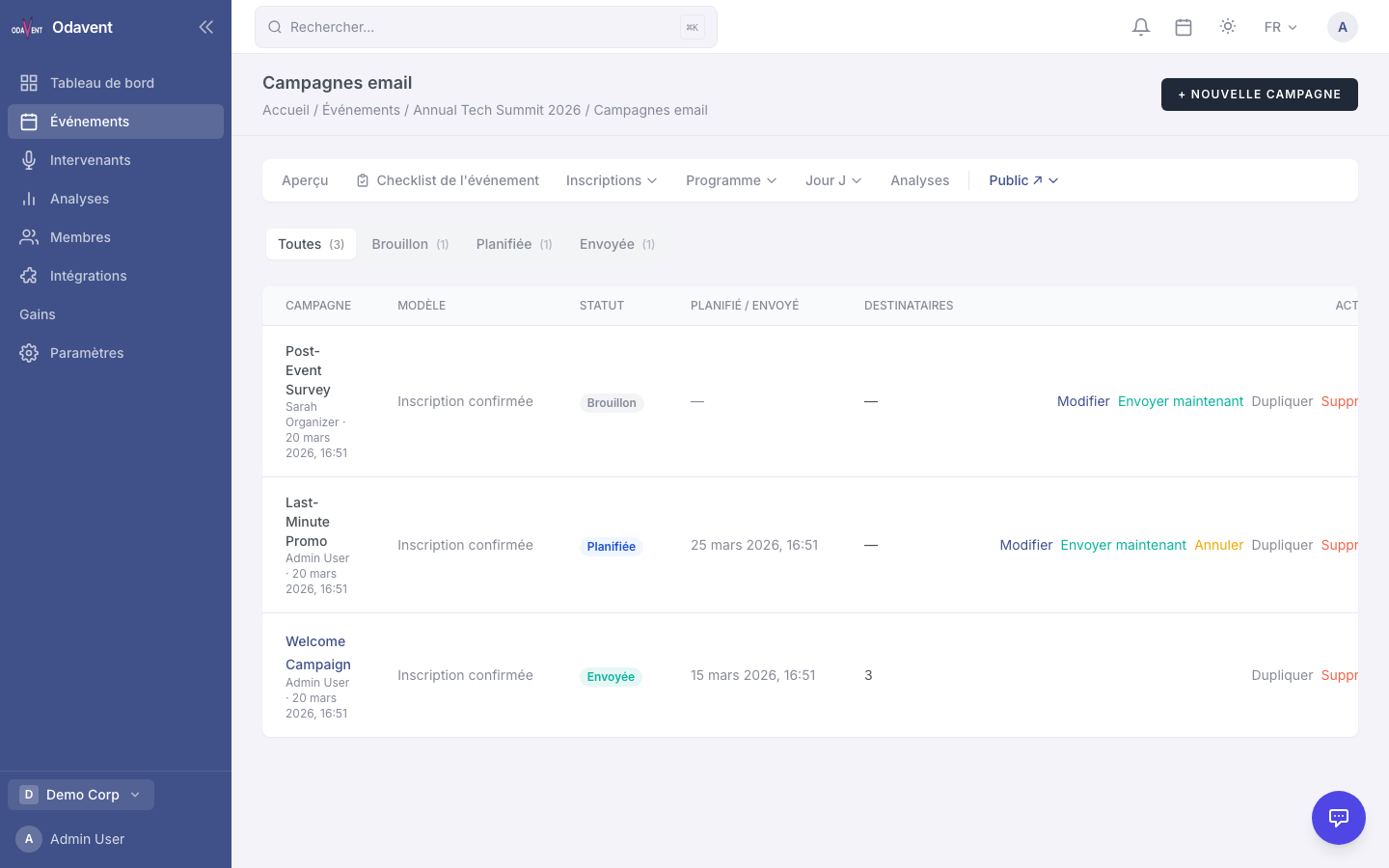
Tip: You can edit or cancel a scheduled campaign at any time before the send date.