
Attendee Profiles
Attendee Profiles (Pro)
Section titled “Attendee Profiles (Pro)”Attendees can build extended professional profiles to help others find and connect with them.
Profile fields include:
- Company, Job Title, Bio
- LinkedIn URL
- Areas of Interest / Topics
- Profile visibility (Public to all attendees, or Connections only)
- Profile completeness indicator
For attendees: Go to My Profile → Professional Profile to fill in your details.
For organizers: Go to Registrations and click any attendee’s name to view their profile.
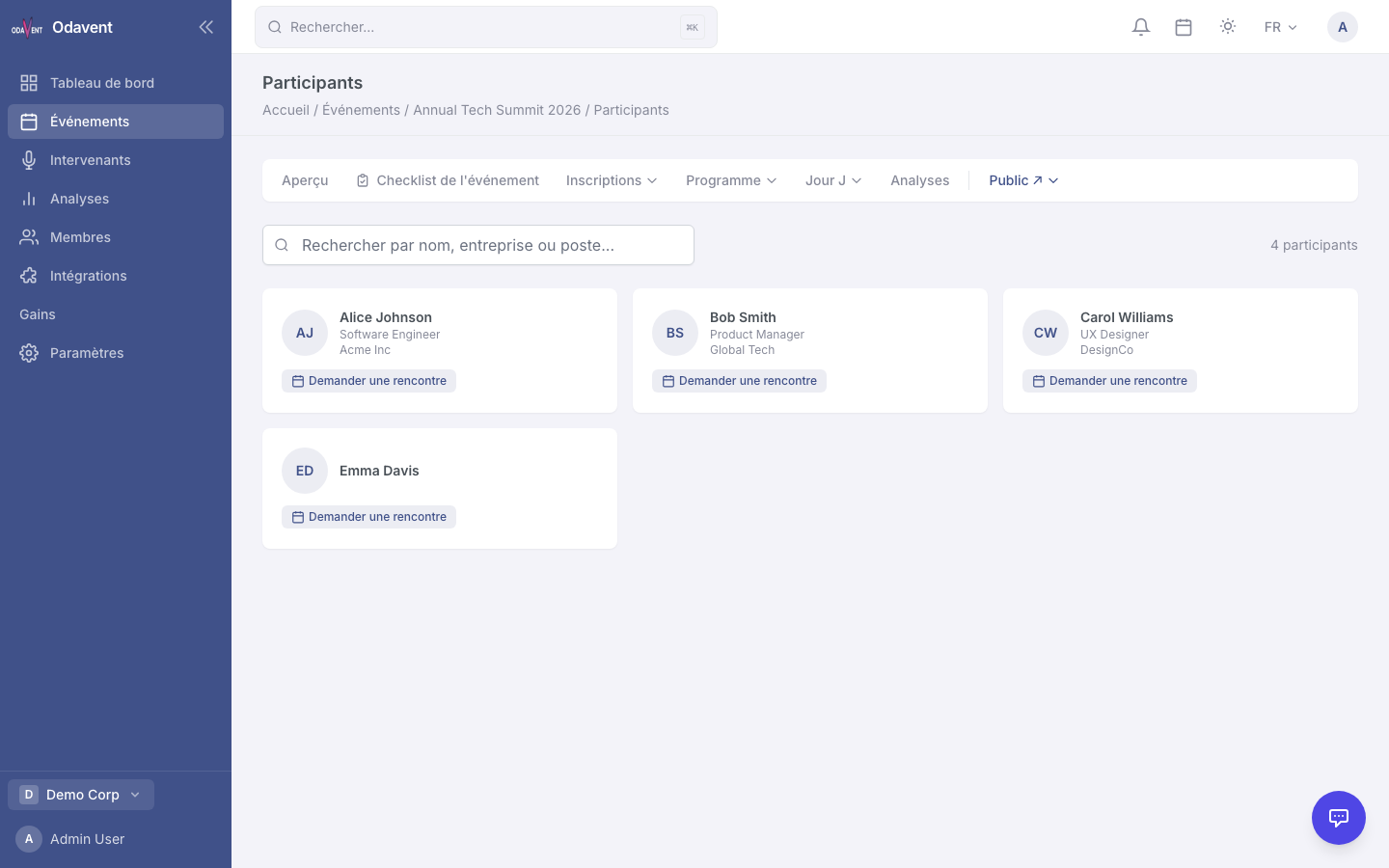
Attendee Directory (Pro)
Section titled “Attendee Directory (Pro)”The Attendee Directory lists all attendees with public profiles for an event.
- Navigate to the event’s attendee directory (link available from the event dashboard and in attendee emails).
- Filter by job title, company, or area of interest.
- Click an attendee card to view their full profile.
- Click Connect or Message to initiate a conversation.