
Real-Time Messaging
(Pro plan)
The platform provides real-time 1-on-1 and group messaging between event participants.
Starting a Direct Conversation
Section titled “Starting a Direct Conversation”- Open an attendee’s profile.
- Click Send Message.
- Type your message and press Enter or click Send.
- Messages are delivered instantly if the recipient is online.
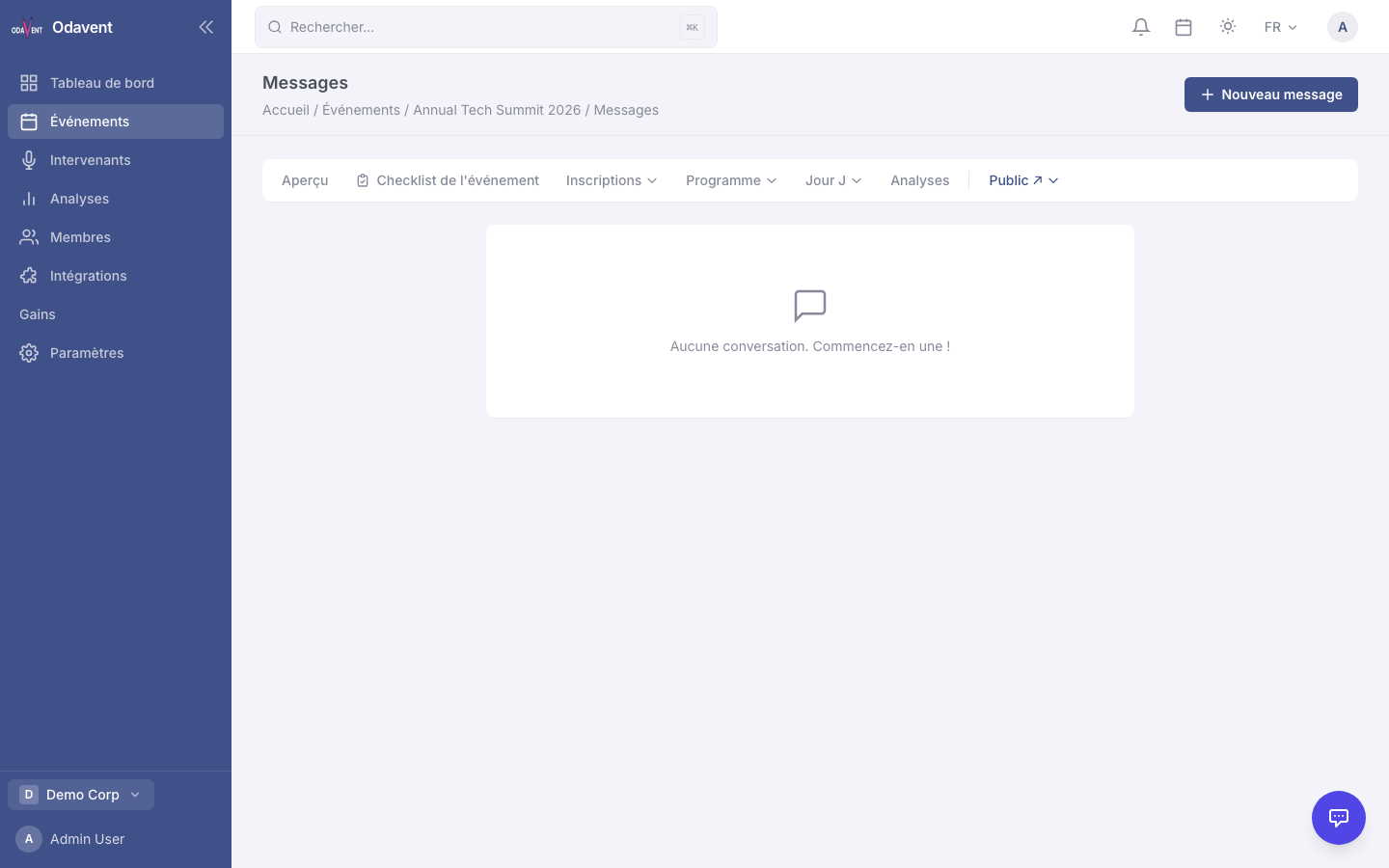
Accessing the Messaging Inbox
Section titled “Accessing the Messaging Inbox”- Click the chat bubble icon in the header, or go to Messaging in the event menu.
- Conversations are listed on the left; the active thread is on the right.
- Unread conversations are highlighted with a blue dot.
Group Chat
Section titled “Group Chat”Each event has an automatic Event Group Chat available to all registered attendees. Find it at the top of the messaging inbox.
Note: Messages are limited to 5,000 characters. Sending is rate-limited to 30 messages per minute per user.