Surveys
Creating a Survey
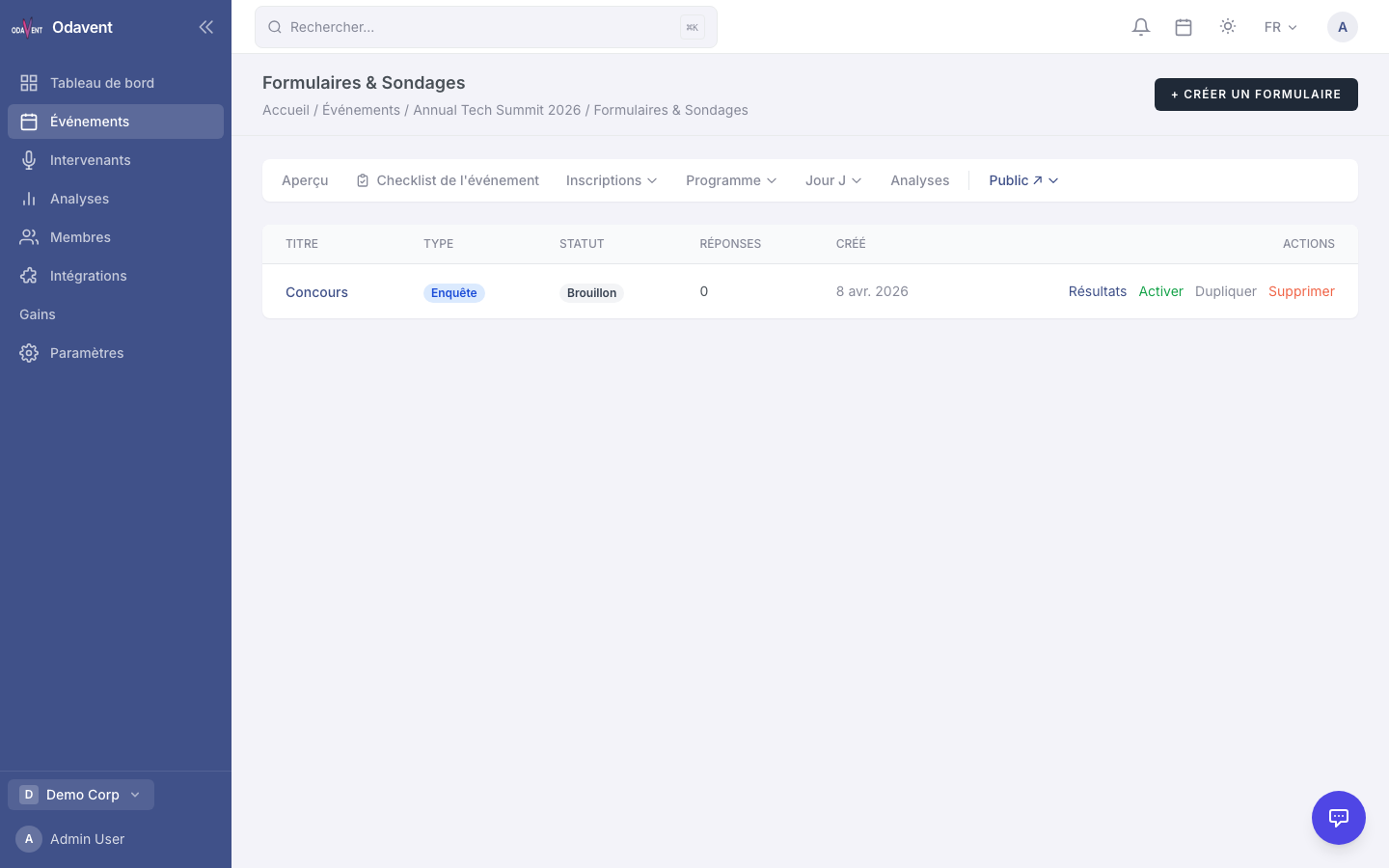
Section titled “Creating a Survey”- Open your event and go to Forms & Polls.
- Click New Form.
- Enter a Title for the form.
- Click + Add Question to build your form.
- Select the question type and fill in the question text and options as required.
Form Results & Analytics
Section titled “Form Results & Analytics”- Go to Forms & Polls and click the form name.
- Click the Results tab.
- See response counts, percentage breakdowns per answer, average ratings, and individual text responses.
- Click Export to download results as CSV.