
Publishing & SEO
Publishing the Website
Section titled “Publishing the Website”Until you publish, the website is only visible to logged-in organizers.
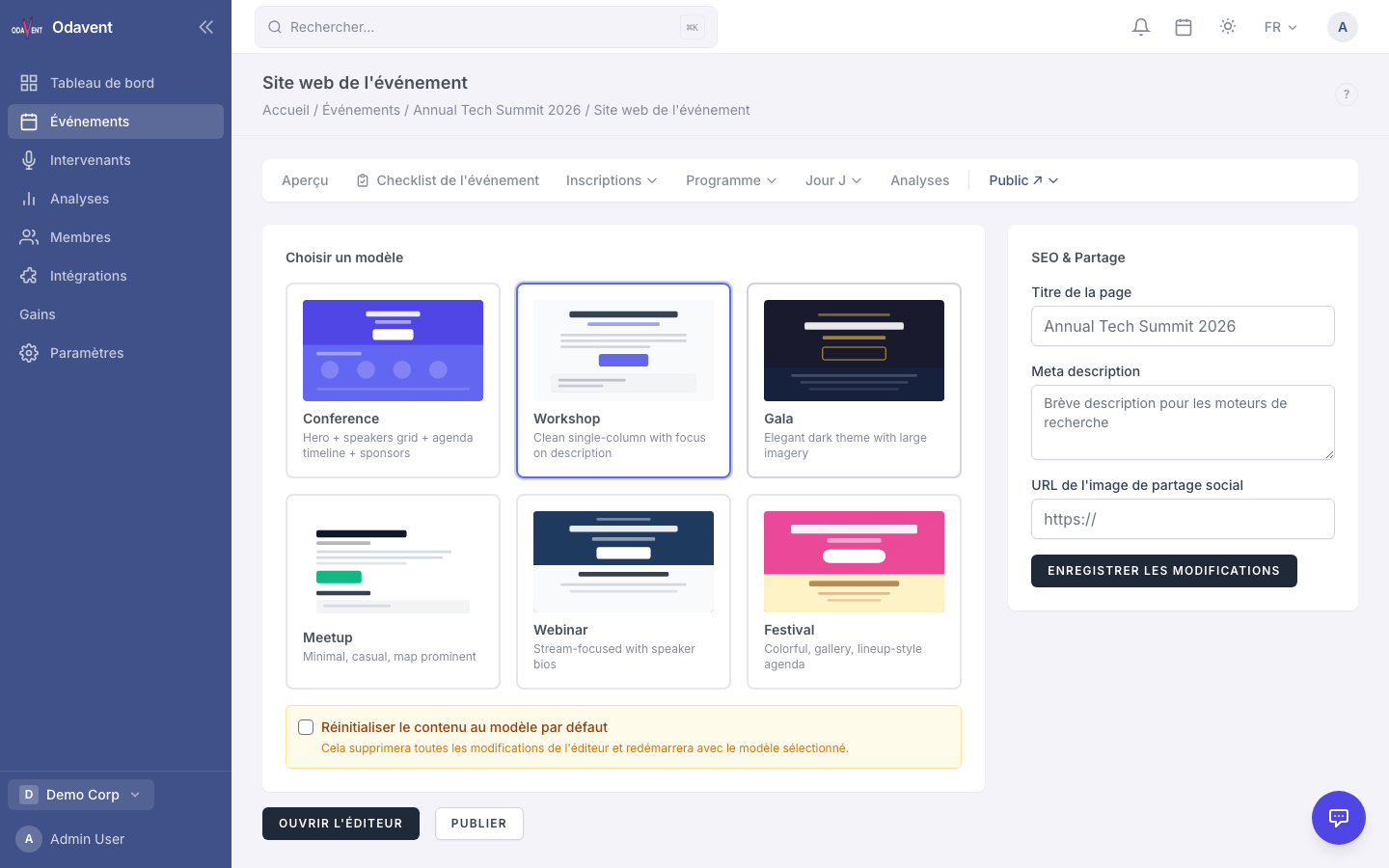
- When you are happy with the design, click Publish Website in the toolbar or on the Website overview page.
- The site becomes publicly accessible at
/events/{event-slug}/site. - To take it offline, click Unpublish.
SEO Settings
Section titled “SEO Settings”- In the Website section, click SEO Settings.
- Fill in:
- Meta Title — The page title shown in browser tabs and search results.
- Meta Description — Short summary shown in search engine results.
- OG Image — The image used when the link is shared on social media (recommended 1200×630 px).
- Click Save SEO Settings.
Tip: The platform automatically adds Schema.org Event structured data (JSON-LD) to your event website, which can improve how it appears in Google search results.