
Payment Processing
The platform integrates with Stripe and Paystack for secure ticket payment processing.
Connecting Stripe
Section titled “Connecting Stripe”- Go to Settings → Payments.
- Click Connect Stripe Account.
- You will be redirected to Stripe’s onboarding flow. Follow the steps to create or connect your Stripe account.
- Once connected, paid ticket purchases will flow through your Stripe account.
Connecting Paystack (African Markets)
Section titled “Connecting Paystack (African Markets)”- Go to Settings → Payments.
- Click Add Payment Provider → Paystack.
- Enter your Paystack Public Key and Secret Key (found in your Paystack dashboard).
- Click Save.
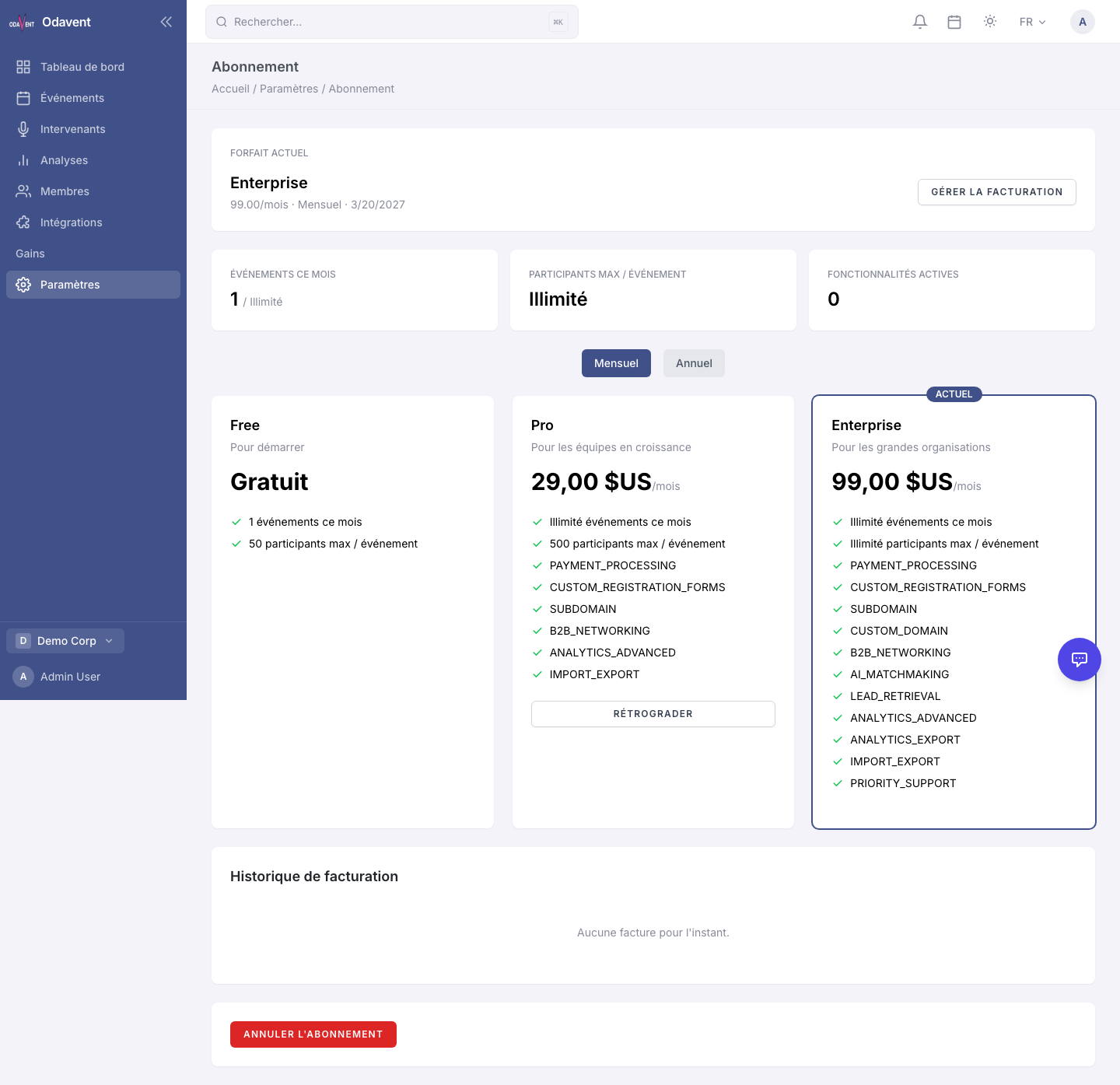
Note: Payment processing requires a Pro or Enterprise plan.