
Waitlist
When a ticket type is full and waitlist is enabled, new registrants are placed on the waitlist.
Promoting a Waitlisted Attendee
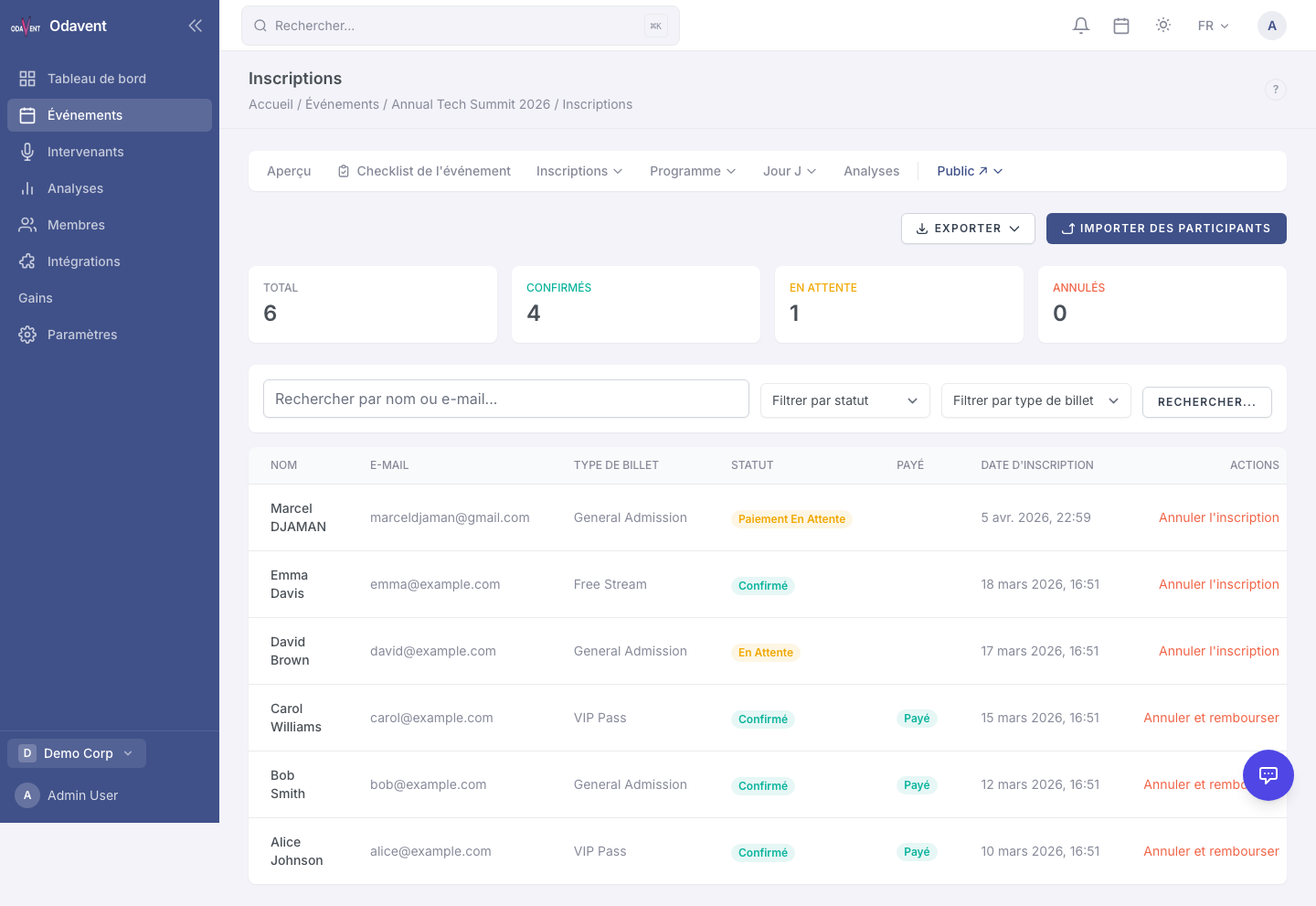
Section titled “Promoting a Waitlisted Attendee”- Go to Registrations → Waitlist tab.
- Find the attendee in the list.
- Click Promote next to their name.
- The attendee’s status changes to Confirmed and they receive a confirmation email automatically.
Removing Someone from the Waitlist
Section titled “Removing Someone from the Waitlist”- On the Waitlist tab, click Remove next to the attendee’s name.
- Confirm the action. The attendee will receive a notification that they have been removed.
Note: To enable the waitlist for a ticket type, edit the ticket type and toggle on Enable Waitlist. See Tickets & Pricing for details.