Gamification
Gamification adds a points-and-leaderboard system to your event, encouraging attendee engagement.
Enabling Points & Leaderboard
Section titled “Enabling Points & Leaderboard”- Open your event and go to Settings → Features.
- Toggle on Gamification.
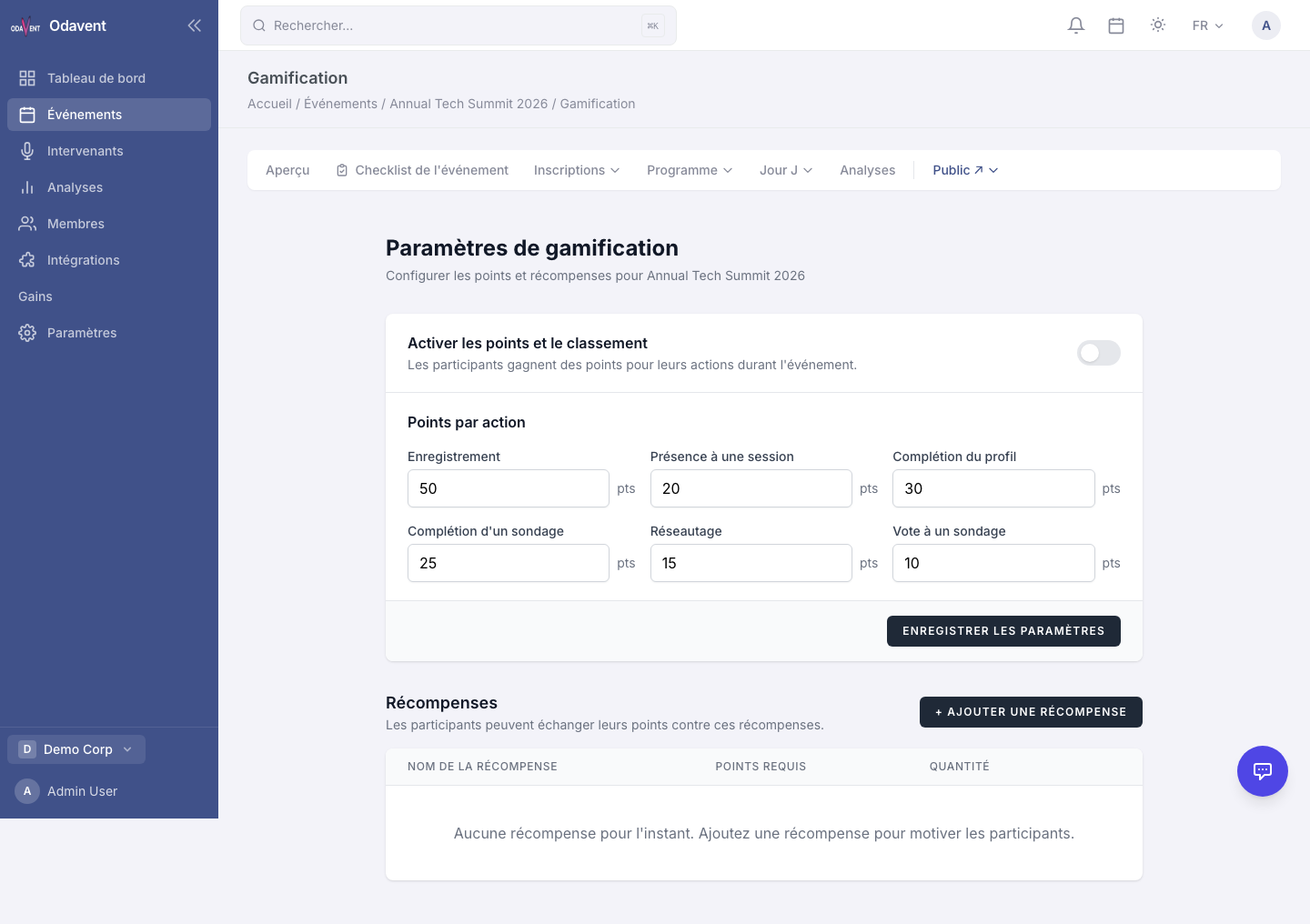
Configuring Points Per Action
Section titled “Configuring Points Per Action”Define how many points attendees earn for each action:
- Go to Gamification → Points Configuration.
- Set point values for actions such as:
- Registering for the event
- Completing their attendee profile
- Attending (checking in to) a session
- Bookmarking a session
- Sending a message
- Completing a poll or survey
- Click Save Configuration.
Creating Rewards
Section titled “Creating Rewards”Rewards are prizes or perks that attendees can earn by reaching point milestones.
- Go to Gamification → Rewards.
- Click Add Reward.
- Set:
- Reward Name — e.g., “VIP Lanyard”, “Free Ticket to Next Event”
- Points Required — The threshold to unlock the reward.
- Description — What the attendee receives.
- Quantity Available — Optional limit.
- Click Save Reward.
Leaderboard Page
Section titled “Leaderboard Page”- Go to Gamification → Leaderboard.
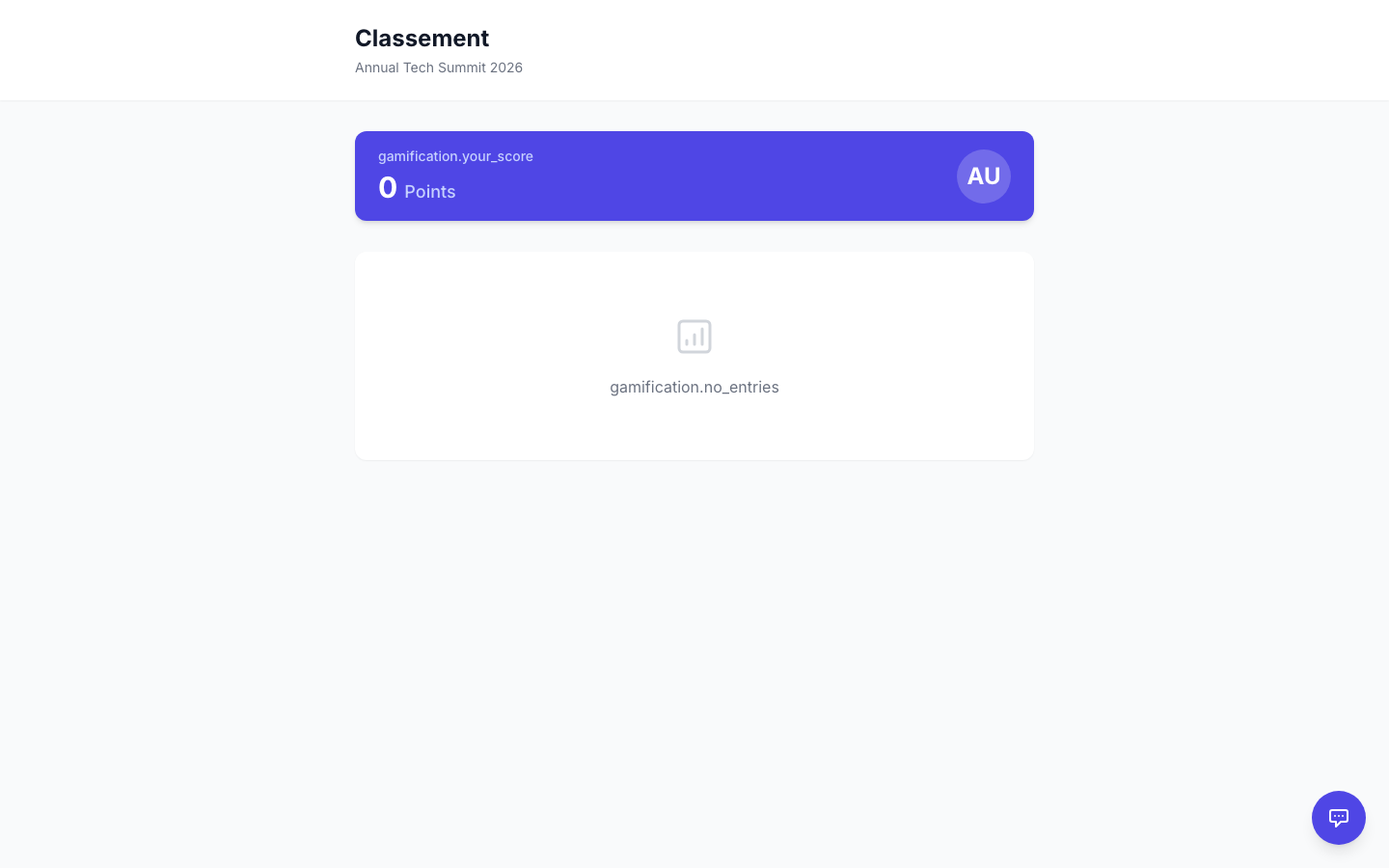
- See all attendees ranked by points, with their position, name, and total points.
- Attendees can view this page from the public event site.