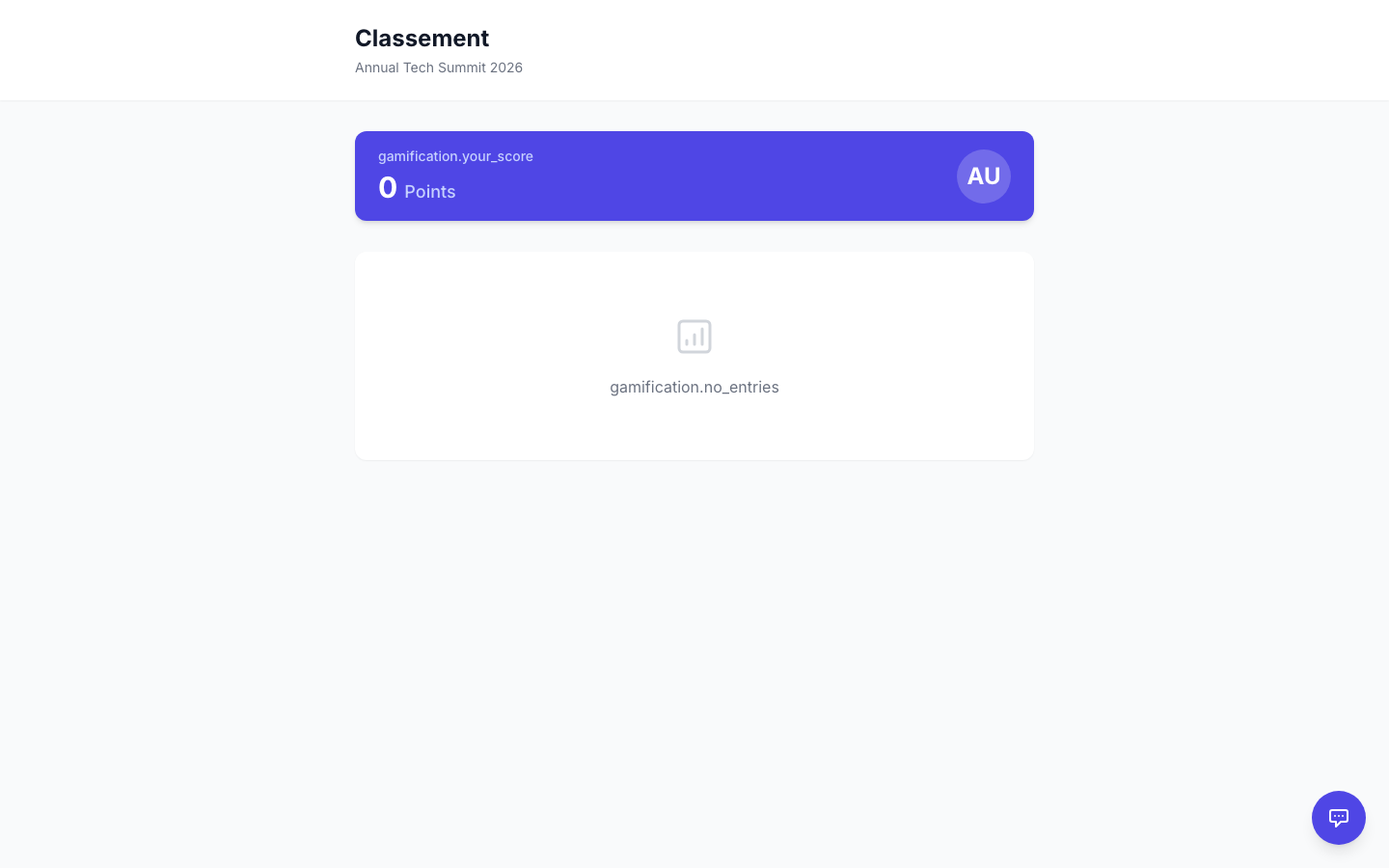
Session Ratings & Speaker Leaderboard
After sessions conclude, attendees can rate them (1–5 stars with optional comments). The platform aggregates ratings into a Speaker Leaderboard showing top-rated speakers.
Enabling Session Ratings
Section titled “Enabling Session Ratings”- Go to your event’s Settings → Features.
- Toggle on Session Ratings.
- Ratings are collected after each session ends and displayed on the agenda page.
Viewing the Speaker Leaderboard
Section titled “Viewing the Speaker Leaderboard”- Open your event and go to Reports → Speaker Leaderboard.
- Speakers are ranked by average rating, with the number of ratings shown.