Live Polls
Live Polls are polls that run during a session. The presenter can display a Presenter View on a screen while attendees vote on their phones.
Creating a Live Poll
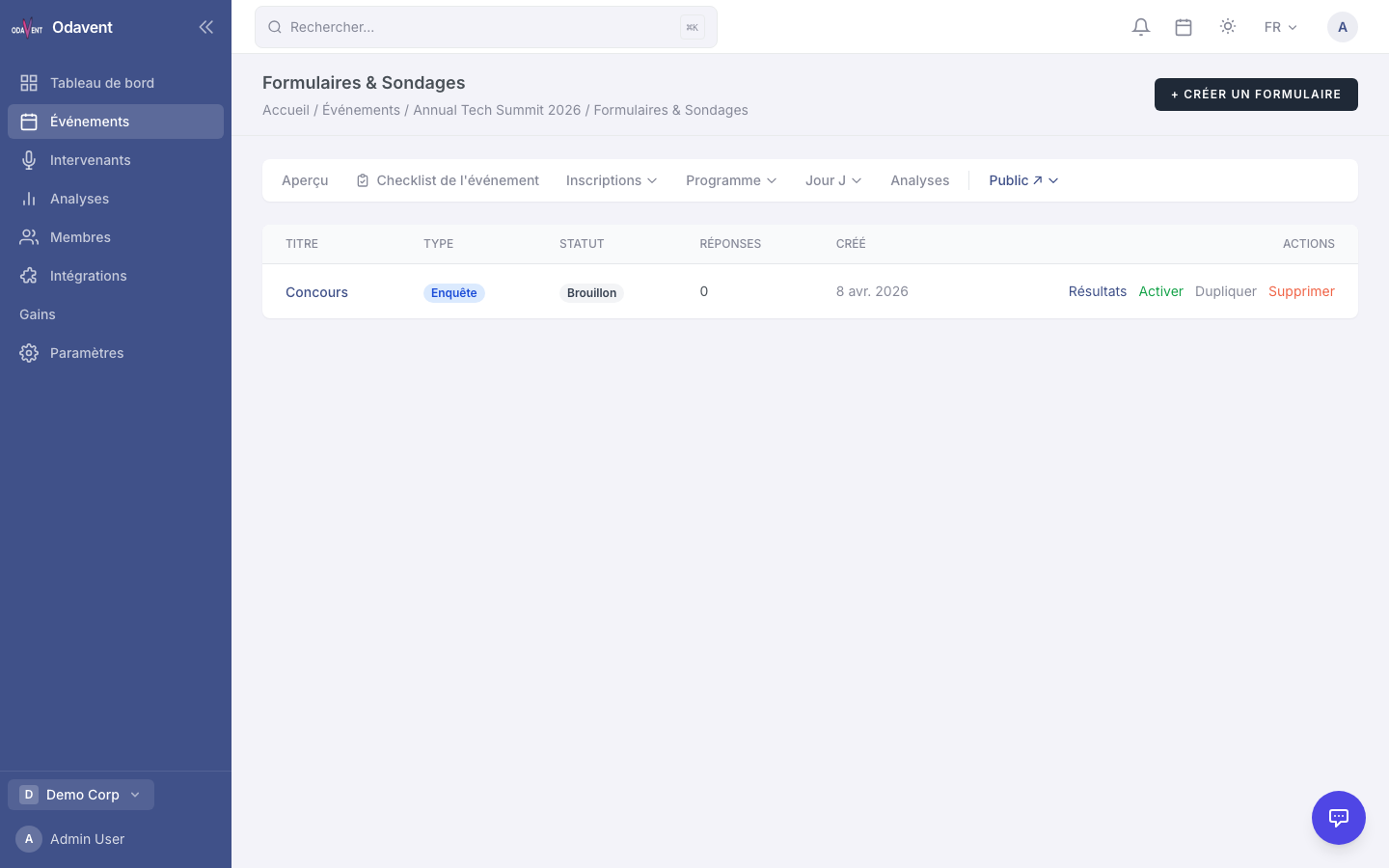
Section titled “Creating a Live Poll”- Open your event and go to Forms & Polls.
- Click New Poll.
- Enter a Title for the poll.
- Click + Add Question to add your poll questions.
- In the poll settings, select the Session this poll is assigned to.
Running a Live Poll During a Session
Section titled “Running a Live Poll During a Session”- During the session, open Polls → [Poll Name] → Presenter View on the presentation screen.
- Attendees scan a QR code or visit the session URL to vote.
- Results update in real time on the presenter screen.
- Click End Poll to stop collecting votes.