
Check-In
Each confirmed registrant receives a unique QR code in their confirmation email. On the day of the event, you can scan this code to mark them as checked in.
Using the Check-In Interface
Section titled “Using the Check-In Interface”- Open your event and go to Check-In.
- On a tablet or phone, click Start Scanning.
- Allow camera access when prompted.
- Point the camera at the attendee’s QR code (printed or on their phone).
- A green confirmation screen appears if the ticket is valid; a red screen appears if it has already been used or is invalid.
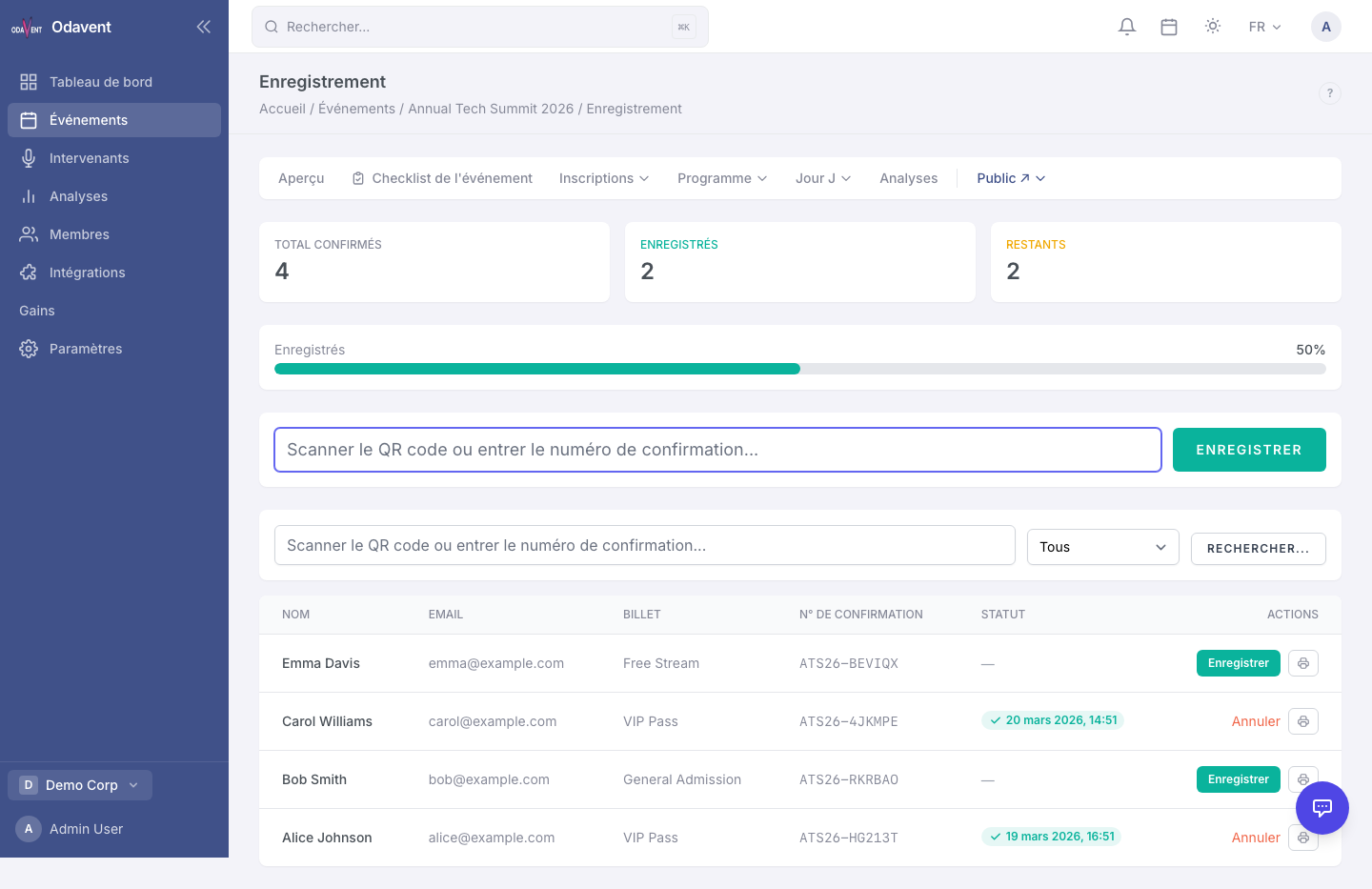
Tip: You can also manually search for an attendee by name or email and check them in without scanning. Click Manual Check-In next to any attendee in the registrations table.