Attendee Tags
Tags help you organize registrants into groups (e.g., “VIP”, “Speaker Guest”, “Press”).
Creating a Tag
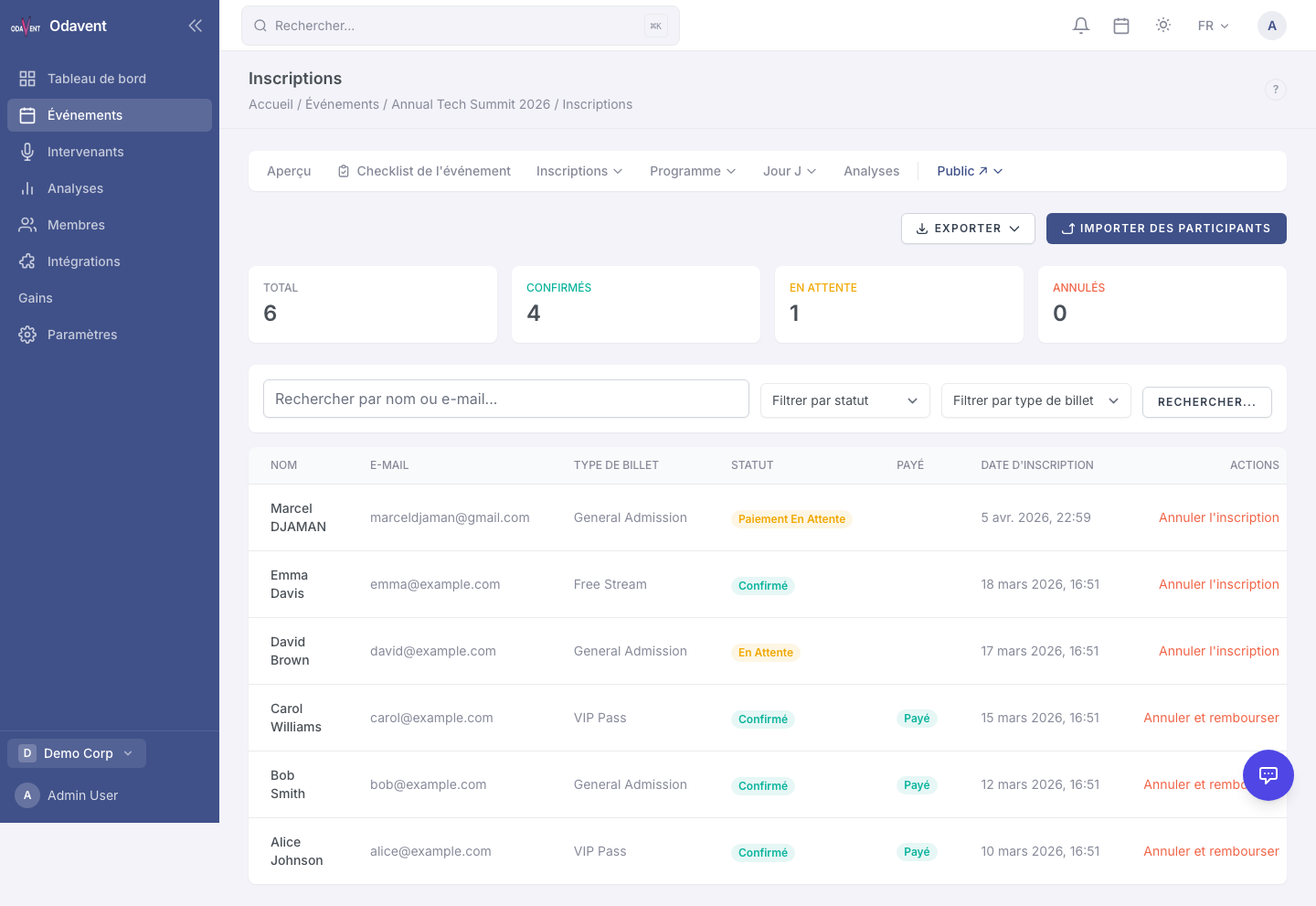
Section titled “Creating a Tag”- Go to Registrations → Tags.
- Click New Tag, enter a name and optionally a color.
- Click Save.
Applying a Tag to a Single Attendee
Section titled “Applying a Tag to a Single Attendee”- Open the registration detail.
- In the Tags section, click Add Tag and select from the list.
Bulk-Tagging Multiple Attendees
Section titled “Bulk-Tagging Multiple Attendees”- In the registrations table, check the boxes next to the attendees you want to tag.
- Click Bulk Actions → Add Tag.
- Select the tag and confirm.