
Managing Registrations
Viewing Registrations
Section titled “Viewing Registrations”- Open your event and click the Registrations tab.
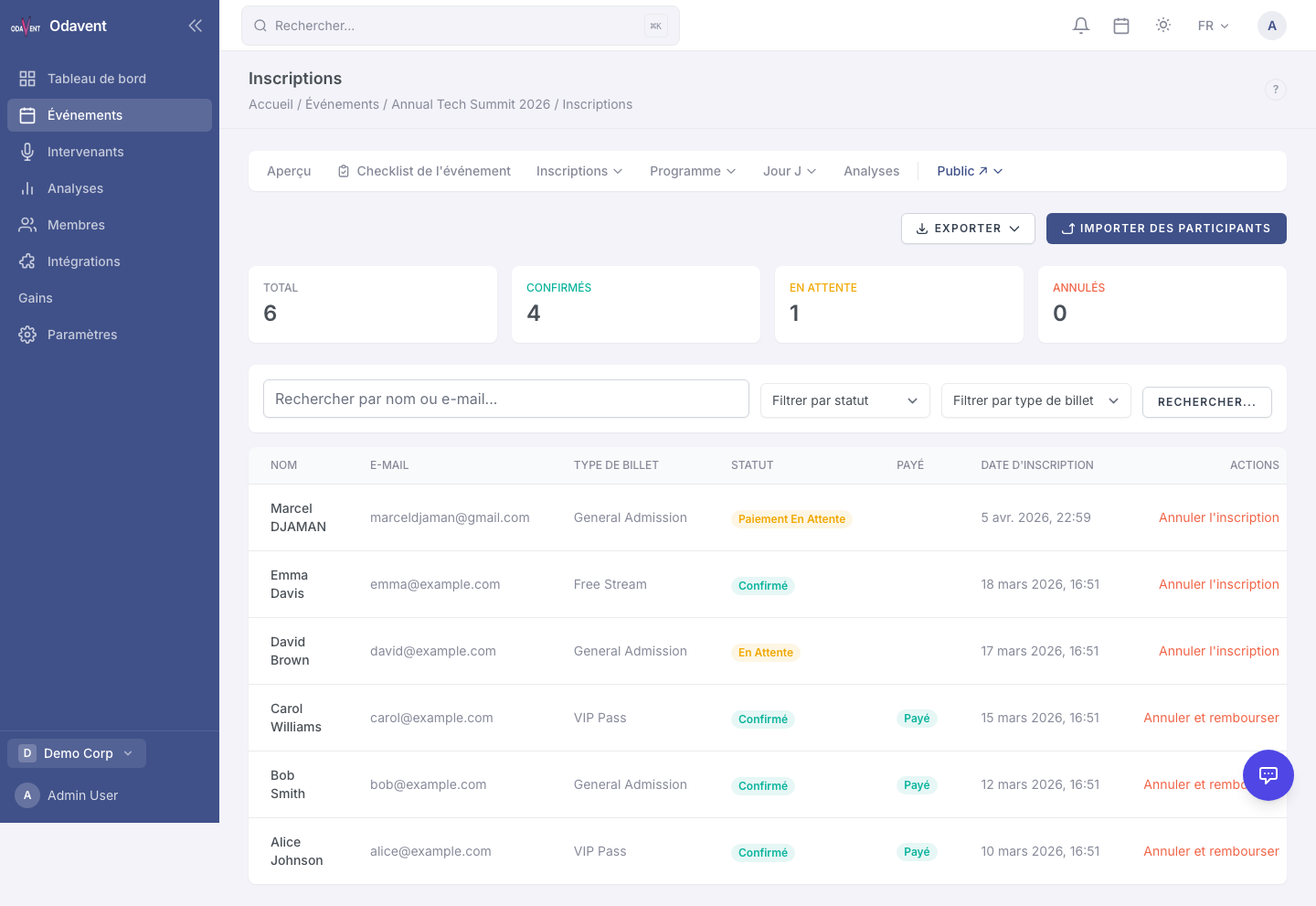
- The table shows each registrant’s name, email, ticket type, registration date, status, and check-in status.
- Click any row to open the full registration detail view.
Filtering and Searching
Section titled “Filtering and Searching”Above the registrations table you will find filters to narrow down the list:
- Search — Type a name, email, or confirmation number.
- Status — Filter by Confirmed, Pending, Cancelled, or Waitlisted.
- Ticket Type — Show only attendees with a specific ticket.
- Check-in Status — Show Checked In or Not Checked In attendees.
- Tags — Filter by attendee tags you have applied.