
Exhibitor Booths
Exhibitor booths are virtual or physical spaces where sponsors and exhibitors can showcase their products and capture leads.
Creating a Booth
Section titled “Creating a Booth”- Open your event, go to Partners, and click the exhibitor’s name.
- Click Set Up Booth.
- Fill in:
- Booth Name — Defaults to the partner’s organization name.
- Description — What the exhibitor does or offers.
- Logo — The exhibitor’s logo (can reuse the partner logo).
- Video URL — Optional promotional video (YouTube or Vimeo).
- Resources — Upload brochures, case studies, or product sheets (PDF, max 10 MB each).
- Contact Email — A contact for booth inquiries.
- Click Save Booth.
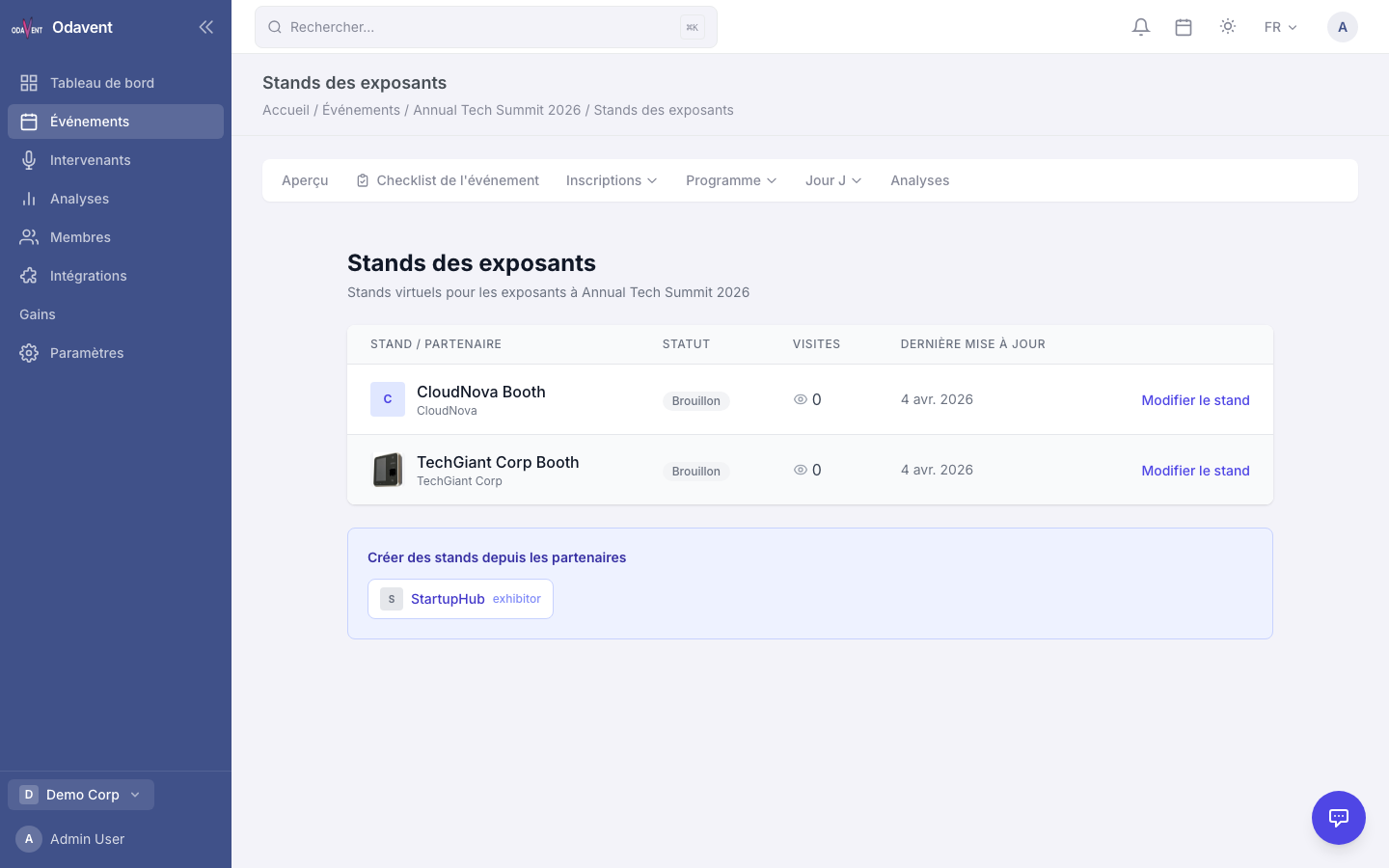
Publishing / Unpublishing a Booth
Section titled “Publishing / Unpublishing a Booth”A booth must be published to be visible on the public event site.
- On the booth settings page, toggle Publish Booth.
- Published booths appear on the event’s Exhibitors directory.
Public Booth Page
Section titled “Public Booth Page”Each published booth has a public URL:
/events/{event-slug}/exhibitors/{booth-slug}
Attendees can visit the page, watch the video, download resources, and contact the exhibitor.
Visit Tracking
Section titled “Visit Tracking”The platform records how many times each booth page is visited. Exhibitors can see:
- Total visits.
- Unique visitors.
- Resource downloads.
Find this data on the partner’s detail page under Booth Analytics.