
Managing Partners
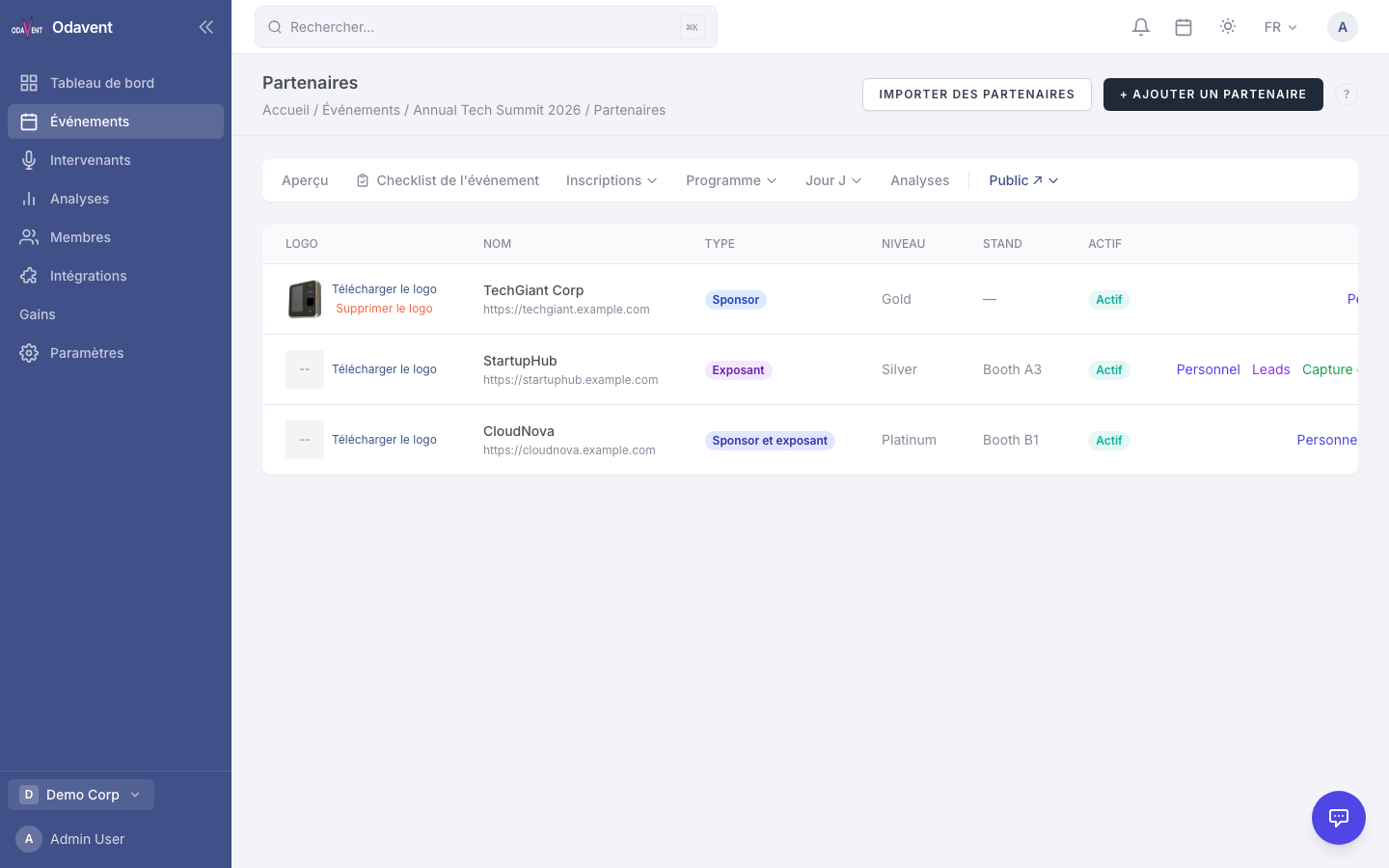
Adding Partners
Section titled “Adding Partners”- Open your event and click the Partners tab.
- Click Add Partner.
- Fill in:
- Organization Name — The sponsor’s company name.
- Type — Sponsor, Exhibitor, or Both.
- Tier — Platinum, Gold, Silver, or Bronze (affects display ordering and prominence).
- Logo — Upload the partner’s logo.
- Website URL — Link to their website.
- Description — Optional blurb about the sponsor.
- Click Save Partner.
Partner Staff Management & Badge Allocation
Section titled “Partner Staff Management & Badge Allocation”Enterprise and Pro plan sponsors can have staff members assigned to their partnership. Staff members can log in to access the exhibitor booth, scan badges, and capture leads.
To add partner staff:
- Open the partner’s detail page.
- Scroll to Staff Members.
- Click Add Staff Member and enter their email. They will receive an invitation.
- Under Badge Allocation, set how many exhibitor badges this partner is entitled to.