
1-on-1 Meeting Scheduler
(Pro plan)
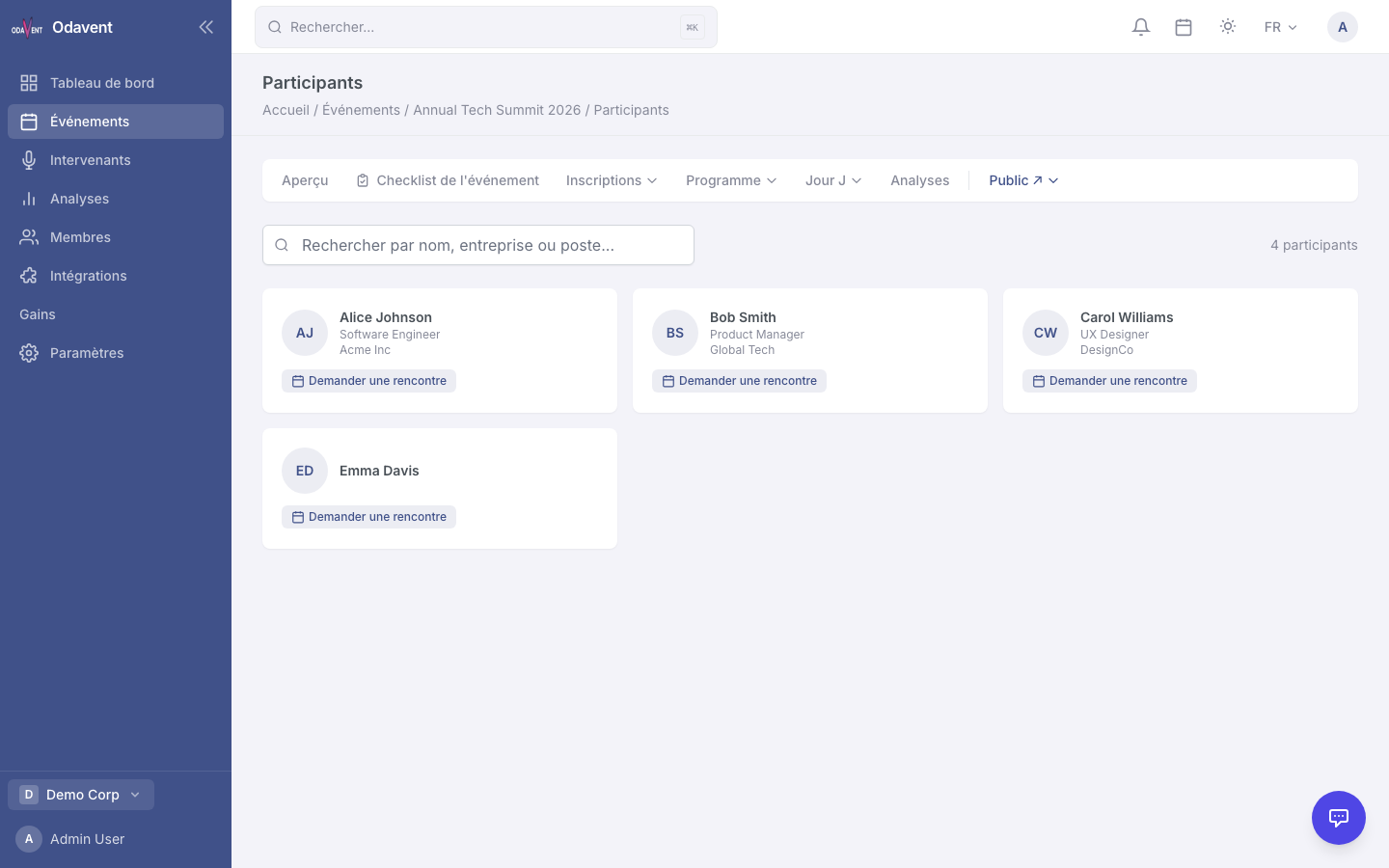
Attendees can request private meetings with other attendees. The system detects schedule conflicts and auto-adds confirmed meetings to each attendee’s agenda.
Requesting a Meeting
Section titled “Requesting a Meeting”- Open the attendee’s profile.
- Click Request Meeting.
- Select a proposed time slot and optionally add a message.
- Click Send Request.
Responding to a Meeting Request
Section titled “Responding to a Meeting Request”- Click the bell icon in the header to open notifications.
- Click the meeting request notification.
- Click Accept or Decline (with an optional message).
- If accepted, the meeting appears in both attendees’ personal agendas.
Note: The system automatically checks for conflicts with existing bookmarked sessions and other confirmed meetings before allowing a booking.