
Managing Sessions
Creating Sessions
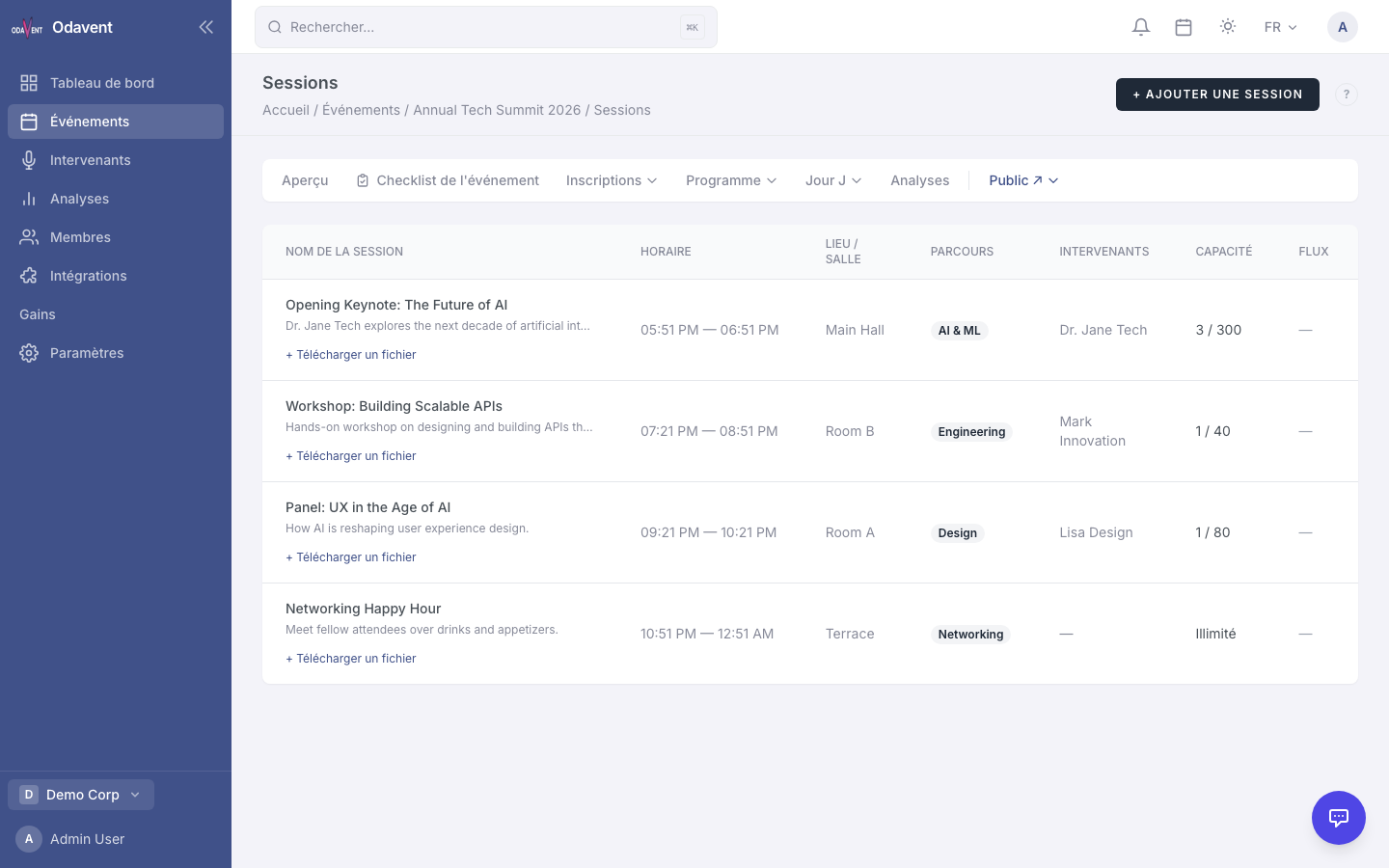
Section titled “Creating Sessions”- Open your event and click the Agenda tab.
- Click Add Session.
- Fill in:
- Title — Name of the session.
- Description — What attendees can expect.
- Track — Optional grouping (e.g., “Marketing Track”, “Technical Track”).
- Room / Location — The room name or virtual link.
- Start Time / End Time — Specific times within the event’s date range.
- Capacity — Maximum attendees. Leave blank for unlimited.
- Session Type — Talk, Workshop, Roundtable, Panel, etc.
- Click Save Session.
Assigning Speakers to Sessions
Section titled “Assigning Speakers to Sessions”- Edit the session and scroll to the Speakers section.
- Click Add Speaker and search by name (from your speaker list — see Managing Speakers).
- Select the speaker(s) to assign.
- Click Save Session.