
Templates
Choosing a Template
Section titled “Choosing a Template”- Open your event and go to Website.
- Click Choose Template.
- Six templates are available:
- Conference — Professional, indigo color scheme.
- Workshop — Clean and focused, green accents.
- Gala — Elegant dark background with gold serif typography.
- Meetup — Friendly and casual, orange with rounded elements.
- Webinar — Minimal and modern, blue tones.
- Festival — Bold multi-color gradient, high energy.
- Click Preview to see a template before selecting.
- Click Use This Template to apply it.
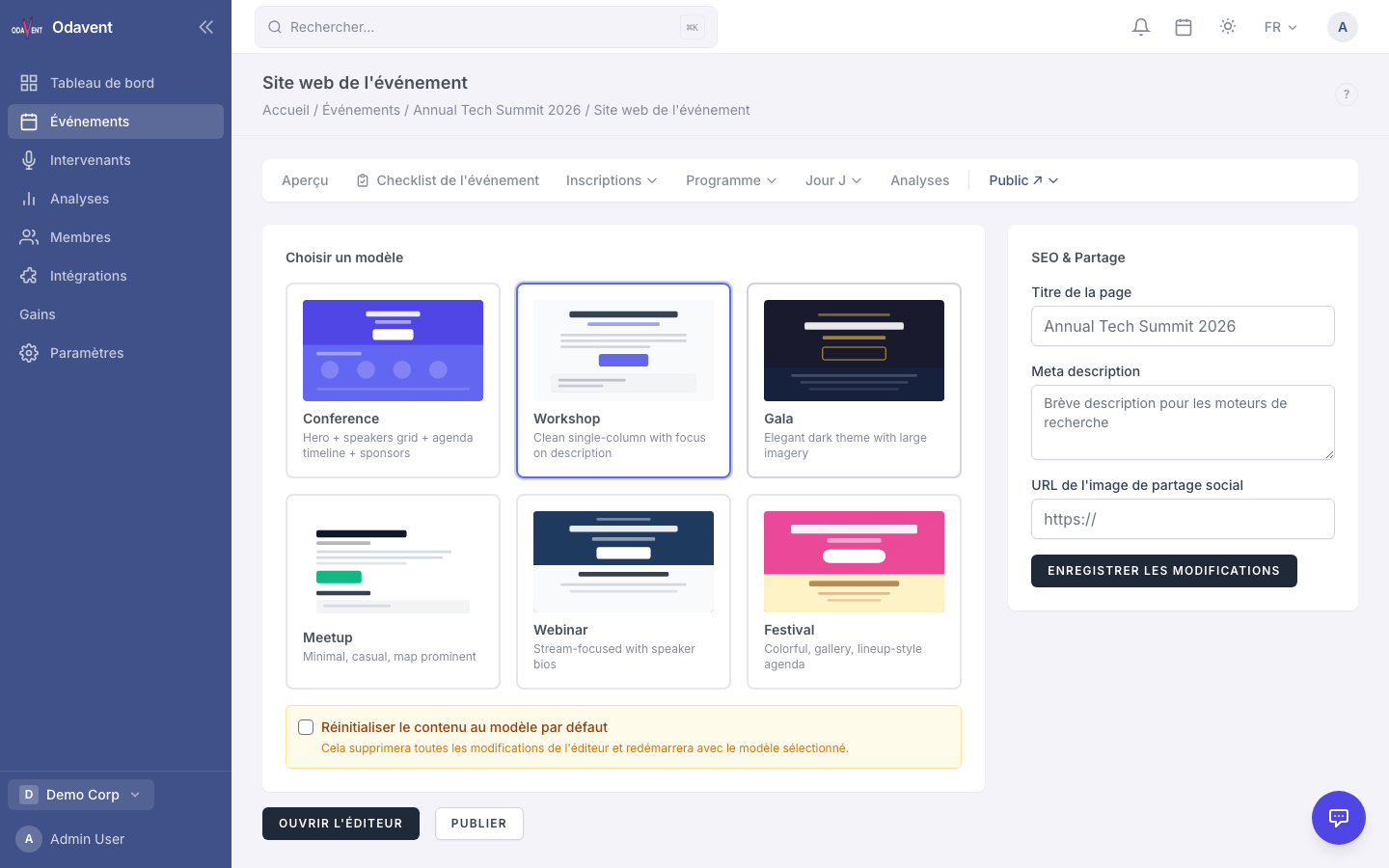
Warning: Switching templates after you have added custom content will overwrite your existing design. Export or copy content you want to keep first.